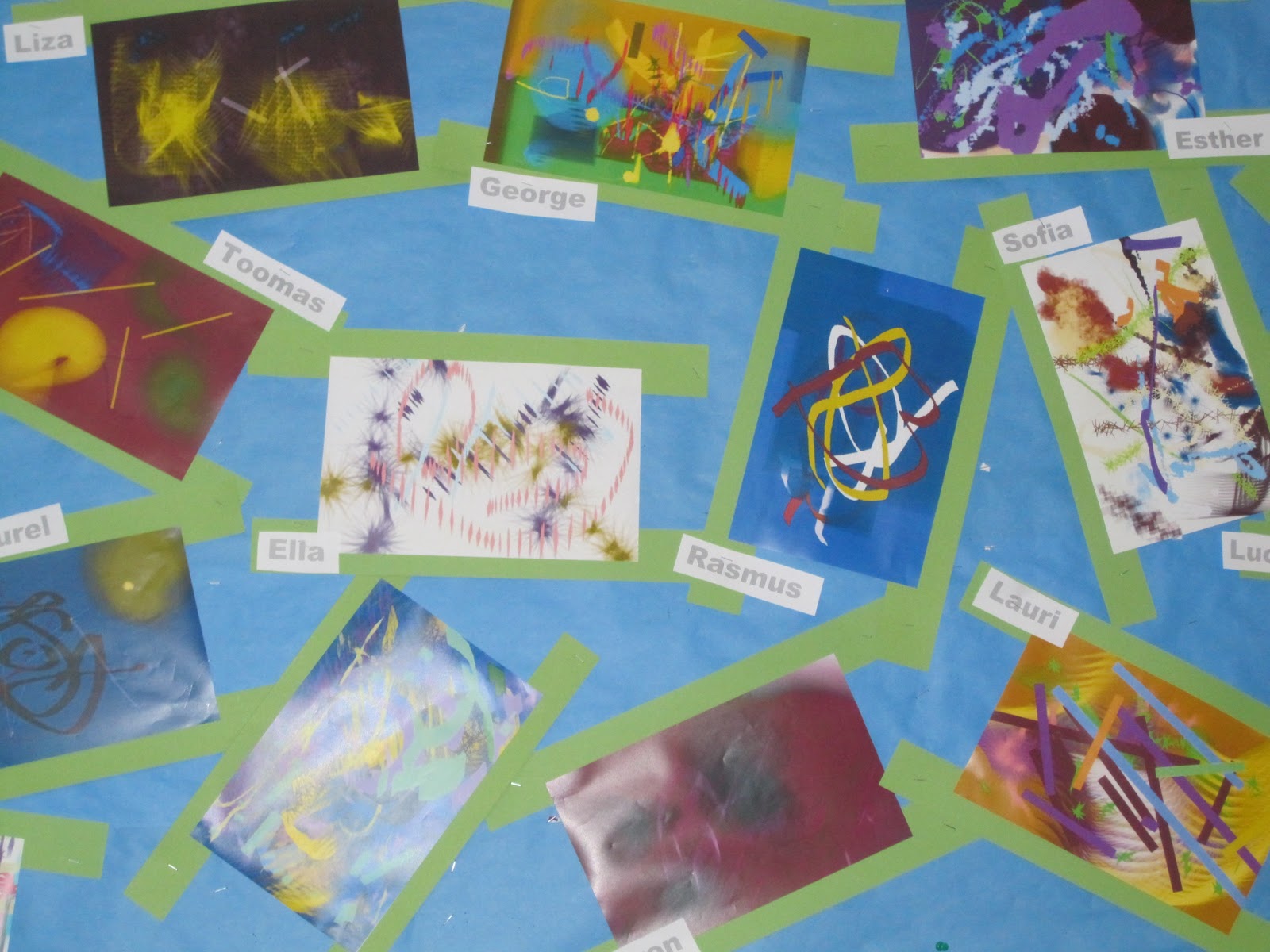


Right at the start of the unit students went to a gallery and looked at the paintings of Kandinsky. In the computer lab we supported this by showing the students how they could use over 40 different styles of brushes in Brushster from the National Gallery of Art. The students were given the opportunity to experiment and to create several different paintings in this style, exploring the different effects they could create with the different brushes. Another popular style of art was impressionism and in some classes the students painted their own impressionist-style self-portrait using PixelFace. At the same time in class they were painting Picasso -style self portraits.
 A couple of the classes also wanted to do some art in the style of Piet Mondrian. We talked about Mondrian's life and had a look at his paintings and how they represented his interpretation of real life - for example the painting Broadway. We looked on the internet for photos of Broadway and talked about how Mondrian's painting incorporated the colors of the red and blue neon signs and the yellow lights of the cars. We then showed the students some other photographs of New York and of Paris and asked them to paint their own interpretations of these using the software Pixie. Throughout this whole unit we gave the students many opportunities to interpret and reflect on their own and each others' art. We wanted to make sure they could respond critically, but in a tactful way and that the way they interpreted a piece of art might differ from someone else's interpretation.
 During another lesson we looked at other styles of painting. For example we looked at paintings by Van Gogh, Salvador Dali, Pablo Picasso and M.C. Escher. We then used various backgrounds in Kerpoof to see if the students could create impressionist, surrealist and cubist paintings as well as the impossible constructions Escher.
Last week it was time to put all the art and music that had been created on the computer together. We introduced the students to Animoto. They chose the presentation style and uploaded their pictures and music. Within minutes they had created wonderful videos that the homeroom teachers embedded on their class blogs.
 During today's exhibition students brought their parents to the computer lab and showed their parents their work. Many were amazed that 8 year old children could create such professional looking movies. Many were also amazed at the way the students had created their own music in GarageBand to match their computer art. I also used this time to talk to parents about how to write quality comments on their child's video on the class blog.
I love this unit of inquiry and every year I am completely bowled-over by the quality of the students' work and the comments they are able to make about their peers' artwork. I feel there has been a lot of learning going on during these past 6 weeks.

Maggie.. didn't know you had your own blog...how awesome ! Mahera
ReplyDeleteHi Mahera, I've been writing this blog since 2009. I've made more than 1000 posts and the blog has been ready by almost a million educators. I never expected this when I started writing!
Delete